> ## Documentation Index
> Fetch the complete documentation index at: https://docs.userpilot.com/llms.txt
> Use this file to discover all available pages before exploring further.
# Embeds
> Embed third-party tools like Calendly, Loom, Typeform, and Synthesia directly into Userpilot flows to deliver rich, interactive in-app experiences.
### Overview
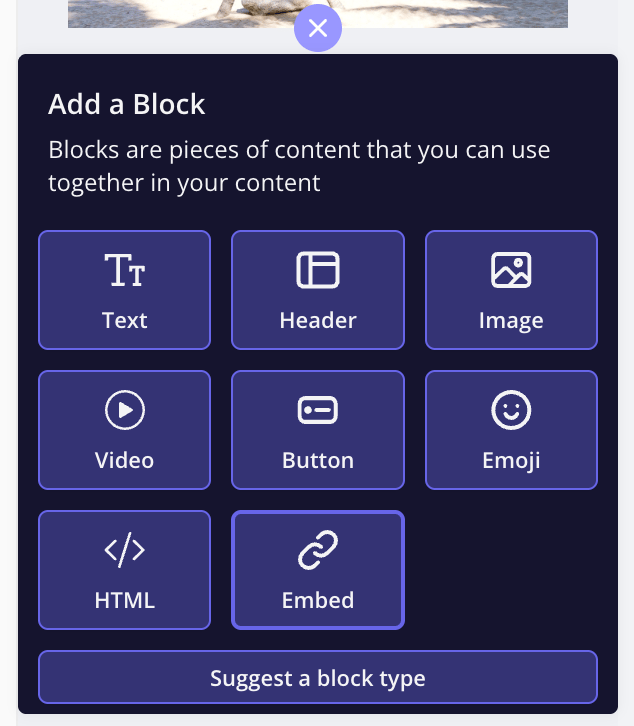
Userpilot's embed feature allows you to enhance user experiences by seamlessly integrating content from popular platforms directly into your flows. With just a click, you can embed tools like **Calendly, Loom, Typeform, and Synthesia**, making it easier to engage users, collect feedback, and provide dynamic content, all without leaving your site.
### Use Cases
* Embed **Calendly** to let users book meetings instantly within Userpilot content.
* Use **Loom** to embed explainer videos, tutorials, or support responses.
* Integrate **Typeform** to collect feedback and insights effortlessly.
* Add **Synthesia** videos to deliver personalized and scalable video content.
* Adjust width, height, and padding for a fully tailored experience.
 ## Embedding Options
### Calendly
Easily integrate your **Calendly booking flow** into your Userpilot content, allowing users to schedule meetings without navigating away from your platform. This is ideal for product demos, customer support calls, or onboarding sessions, making scheduling frictionless and efficient.
### Loom
Embed **Loom videos** into Userpilot modals to create engaging training materials, provide personalized support, showcase product demos, or deliver internal updates. By embedding Loom, you can add a human touch to your interactions and improve user engagement.
### Typeform
Gather valuable insights with **Typeform's interactive forms and surveys**. Whether you're collecting user feedback, running customer satisfaction surveys, or building engaging quizzes, Typeform’s drag-and-drop editor makes it easy to design visually appealing and effective forms. Its modern design and flexibility make it one of the most user-friendly survey tools available.
### Synthesia
Elevate your content with **AI-generated videos from Synthesia**. This tool allows you to create high-quality videos featuring AI-powered presenters, without the need for actors, filming, or editing. Use it for product walkthroughs, training sessions, or marketing videos. You can also scale personalized videos using Synthesia’s API integration.
## Embedding Options
### Calendly
Easily integrate your **Calendly booking flow** into your Userpilot content, allowing users to schedule meetings without navigating away from your platform. This is ideal for product demos, customer support calls, or onboarding sessions, making scheduling frictionless and efficient.
### Loom
Embed **Loom videos** into Userpilot modals to create engaging training materials, provide personalized support, showcase product demos, or deliver internal updates. By embedding Loom, you can add a human touch to your interactions and improve user engagement.
### Typeform
Gather valuable insights with **Typeform's interactive forms and surveys**. Whether you're collecting user feedback, running customer satisfaction surveys, or building engaging quizzes, Typeform’s drag-and-drop editor makes it easy to design visually appealing and effective forms. Its modern design and flexibility make it one of the most user-friendly survey tools available.
### Synthesia
Elevate your content with **AI-generated videos from Synthesia**. This tool allows you to create high-quality videos featuring AI-powered presenters, without the need for actors, filming, or editing. Use it for product walkthroughs, training sessions, or marketing videos. You can also scale personalized videos using Synthesia’s API integration.
 ### Customization
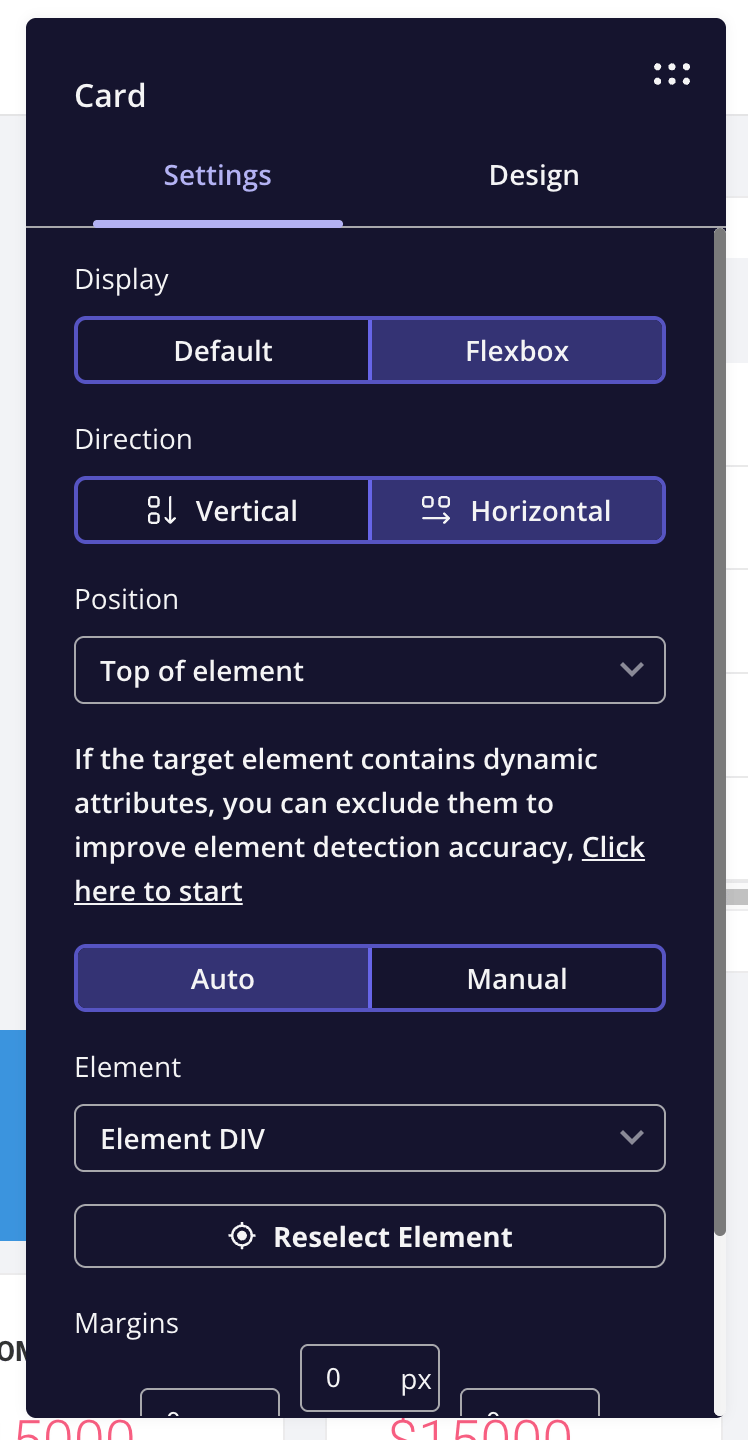
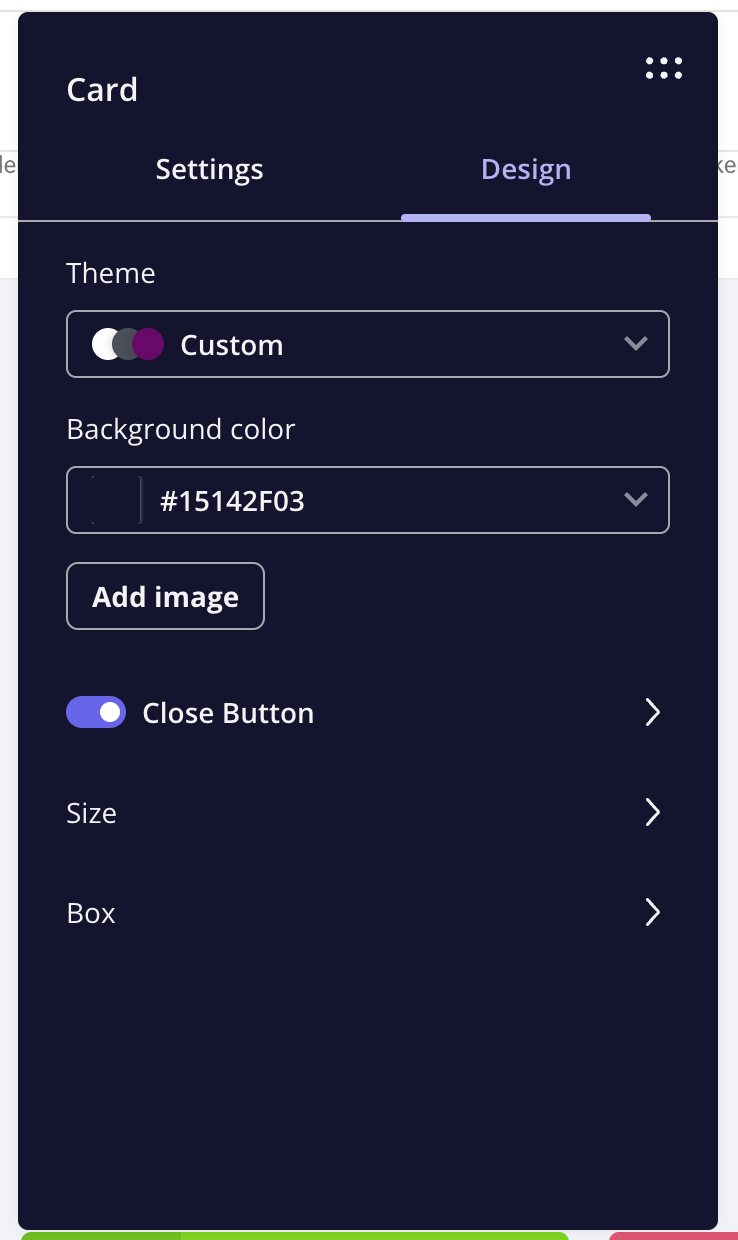
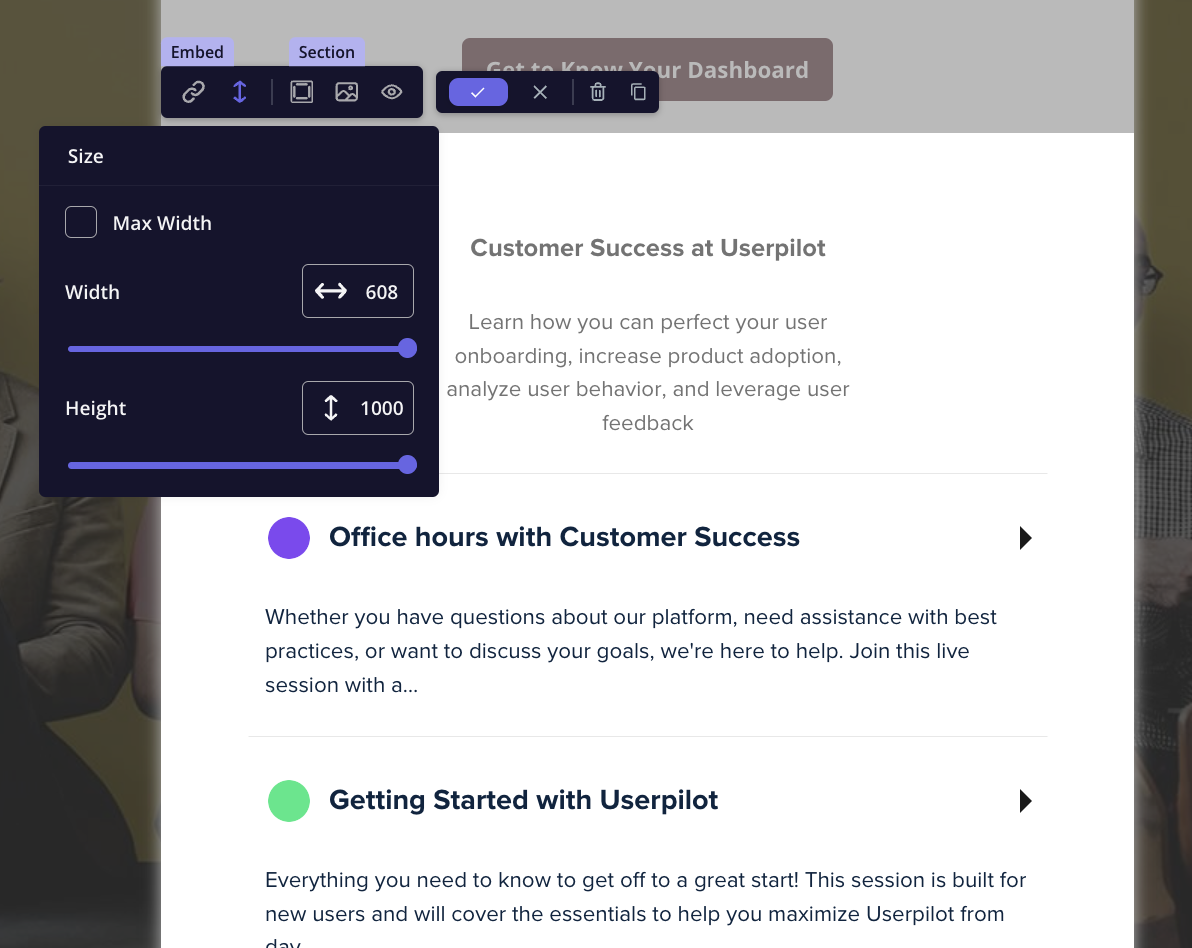
To ensure a seamless fit with your design, Userpilot allows you to adjust the **width, height, and padding** of your embedded content, ensuring an optimal user experience.
### Customization
To ensure a seamless fit with your design, Userpilot allows you to adjust the **width, height, and padding** of your embedded content, ensuring an optimal user experience.
 ***
### FAQs
Yes! Embedded content is designed to be mobile-friendly and will adjust to different screen sizes for a smooth user experience. Additionally, you can control its visibility by selecting the Hide section for mobile option if needed.
While embedded content is not tracked natively within Userpilot, most platforms (like Loom and Typeform) provide their own analytics to measure engagement.
You would need to check the z-index in the card settings and ensure it's set correctly on the page to avoid being overlapped by another DOM element. If the issue persists, please reach out to [support@userpilot.com](mailto:support@userpilot.com).
[**For any questions or concerns please reach out to support@userpilot.com**](mailto:support@userpilot.com)
***
### FAQs
Yes! Embedded content is designed to be mobile-friendly and will adjust to different screen sizes for a smooth user experience. Additionally, you can control its visibility by selecting the Hide section for mobile option if needed.
While embedded content is not tracked natively within Userpilot, most platforms (like Loom and Typeform) provide their own analytics to measure engagement.
You would need to check the z-index in the card settings and ensure it's set correctly on the page to avoid being overlapped by another DOM element. If the issue persists, please reach out to [support@userpilot.com](mailto:support@userpilot.com).
[**For any questions or concerns please reach out to support@userpilot.com**](mailto:support@userpilot.com)