> ## Documentation Index
> Fetch the complete documentation index at: https://docs.userpilot.com/llms.txt
> Use this file to discover all available pages before exploring further.
# Get started with notifications
> Get started with Userpilot notifications to stay aligned on product updates, performance insights, and system alerts via in-app, email, or Slack.
## **Overview**
Userpilot Notifications help your team stay aligned and take action faster by centralizing updates from your workspace. You can receive notifications through **three types** of notifications, **System Notifications, Digests, and Signals**, and choose how they’re delivered:
1. **In-app:** Receive alerts directly inside Userpilot while working
2. **Email:** Get summarized updates or alerts sent to your inbox
3. **Slack:** Instantly share key updates with your team through connected Slack channels
## **Use cases**
1. Get notified when new flows, checklists, or experiments are published.
2. Receive a weekly or monthly summary of product usage, flow performance, and engagement.
3. Notifications can be automatically routed to Slack or email, helping Growth and CS teams act quickly.
4. Share insights directly in Slack to spark discussions or follow-ups.
5. Choose what you want to be notified about and how (e.g., only critical system alerts via Slack, performance digests via email).
6. Each teammate can customize their notification settings from Settings → Notifications.
## Next steps
To start using notifications:
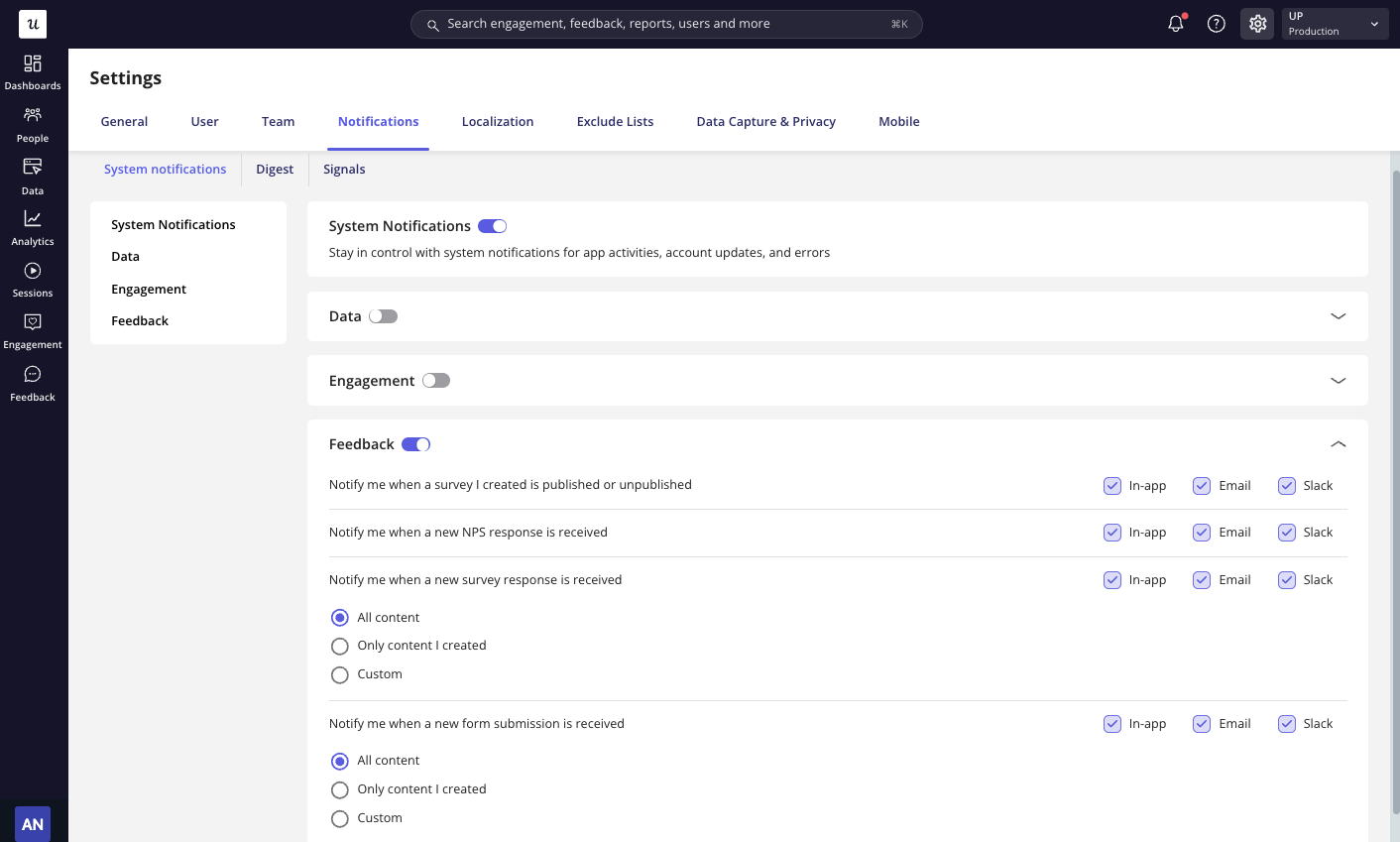
1. Go to **Settings → Notifications.**
2. Select the notification type you would like to receive: **System Notifications**, **Signals**, or **Digest**.
3. Select the **channels** (In-App, Email, Slack) you want to use.
4. Adjust your **preferences** based on the types of alerts or digests you want to receive.
 **Slack Notifications**\
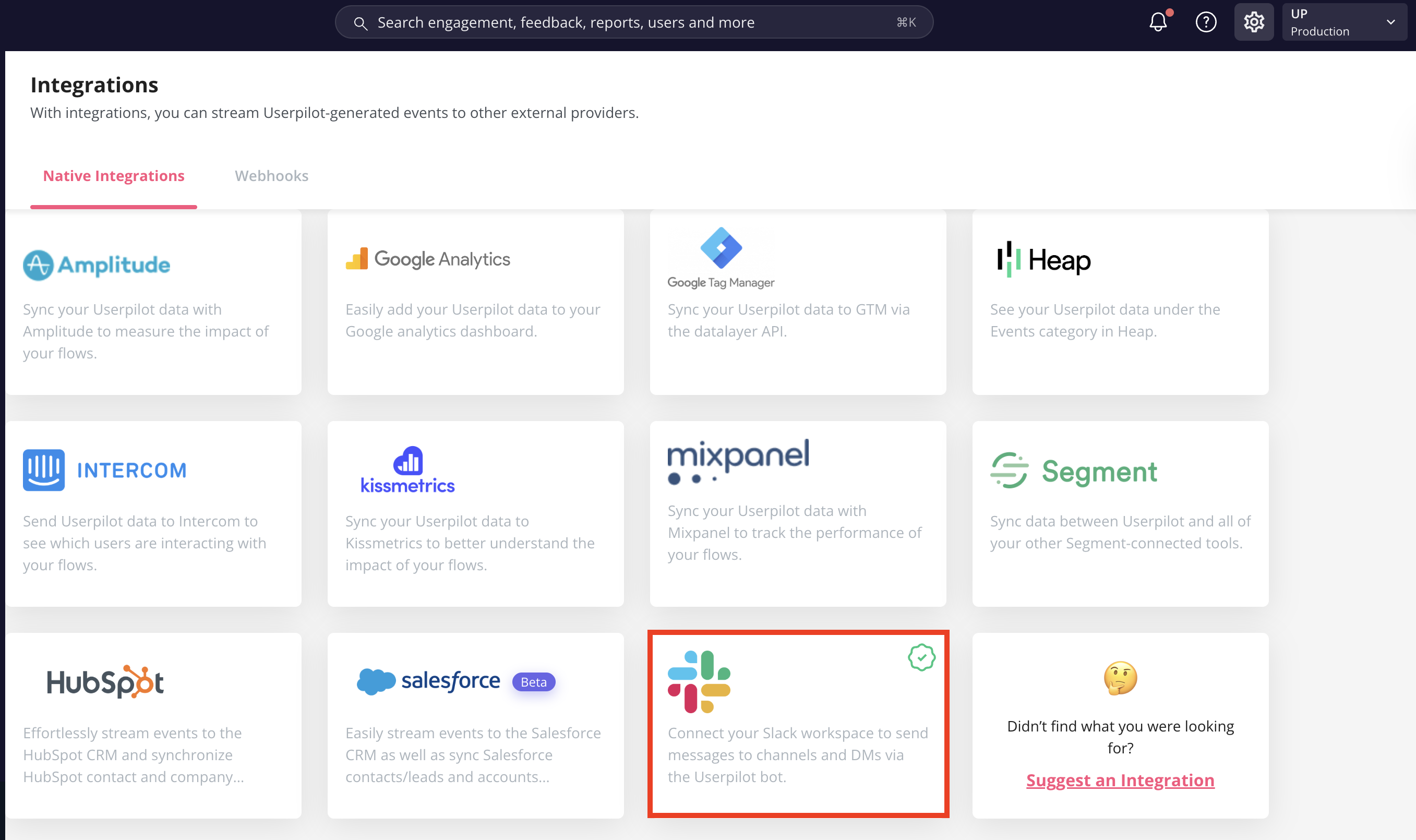
To receive notifications in Slack, first **enable the Slack integration** from the **Integrations page** in Userpilot and follow the setup steps.\
Once connected, you will start getting **System Notifications**, **Signals**, and **Digests** directly in Slack.
**Slack Notifications**\
To receive notifications in Slack, first **enable the Slack integration** from the **Integrations page** in Userpilot and follow the setup steps.\
Once connected, you will start getting **System Notifications**, **Signals**, and **Digests** directly in Slack.