> ## Documentation Index
> Fetch the complete documentation index at: https://docs.userpilot.com/llms.txt
> Use this file to discover all available pages before exploring further.
# Mixpanel Integration
> Send Userpilot events to Mixpanel for deeper insights into user behavior and engagement.
### Overview
The Userpilot-Mixpanel integration allows you to send Userpilot event data to Mixpanel, helping you analyze user behavior and engagement. This one-way integration ensures that tracked events from Userpilot are available in Mixpanel for deeper insights and better decision-making.
### Use Cases
* **User Behavior Analysis**: Track in-app interactions and analyze user flows in Mixpanel.
* **Conversion Tracking**: Measure how users progress through key funnels and optimize the user journey.
* **Segmentation & Targeting**: Use event data to create custom user segments for personalized engagement.
* **Retention & Engagement Insights**: Understand feature adoption and identify drop-off points.
### Setting up the integration
The Mixppanel integration can be enabled with a single click.
1. Go to **Configure** → [**Integrations**](https://run.userpilot.io/integrations/native-integration).
2. Find **Mixpannel** and click on the box to Enable the Integration.
1. Go to **Mixpanel > Events** and check if Userpilot events are appearing.
2. Use Mixpanel’s tools to analyze and visualize the data.
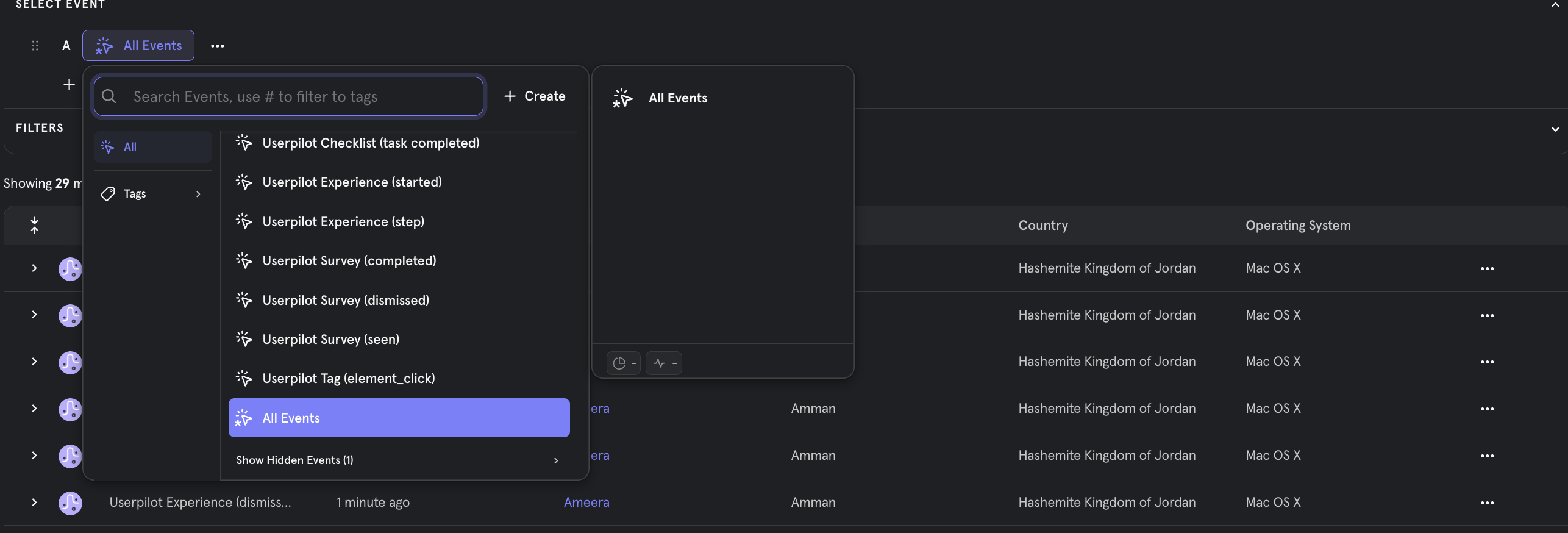
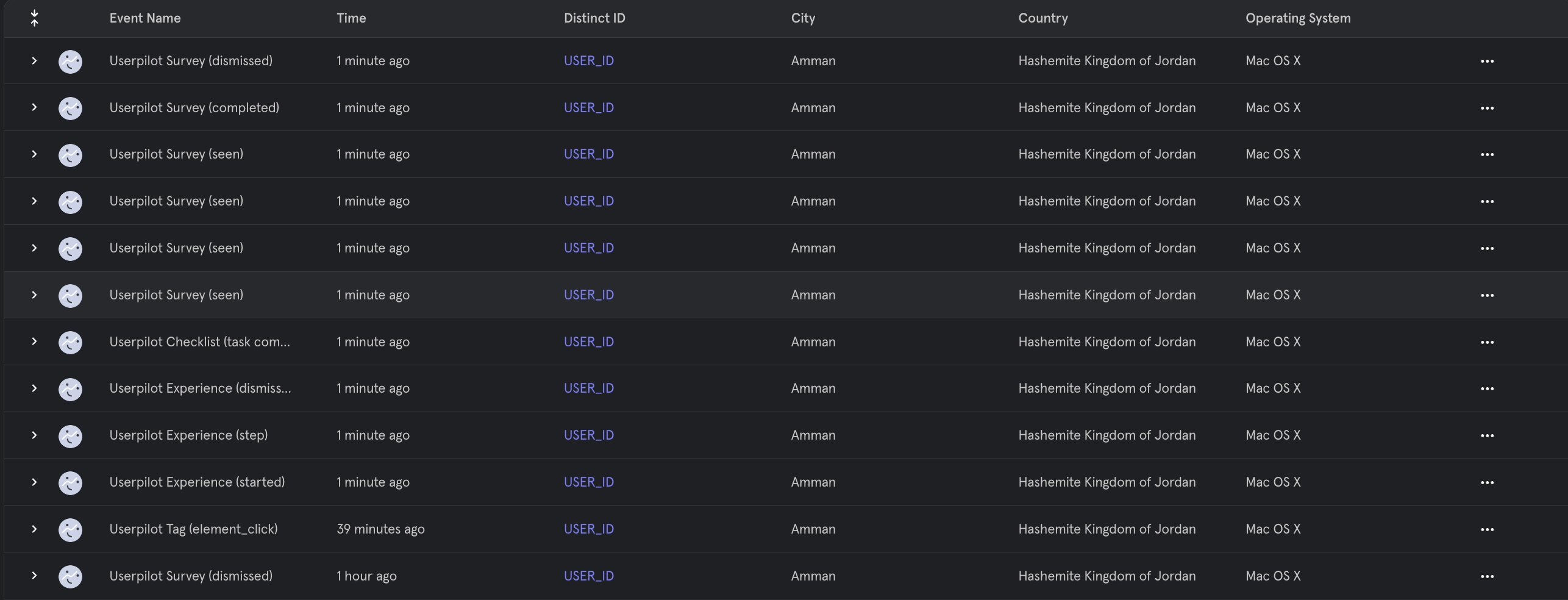 You will also be able to filter Userpilot Events in Mixpanel
 ### **Userpilot Events Sent to Intercom**
| **Event Name** | **Description** |
| :------------- | :----------------------------- |
| Flows | `Seen` `Completed` `Dismissed` |
| Checklists | `Seen` `Completed` `Dismissed` |
| Surveys | `Seen` `Submitted` `Dismissed` |
| NPS | `Ask Later` `Feedback` |
| Forms | `Submitted` |
For any questions or concerns please reach out to [support@userpilot.co](mailto:support@userpilot.com)
### **Userpilot Events Sent to Intercom**
| **Event Name** | **Description** |
| :------------- | :----------------------------- |
| Flows | `Seen` `Completed` `Dismissed` |
| Checklists | `Seen` `Completed` `Dismissed` |
| Surveys | `Seen` `Submitted` `Dismissed` |
| NPS | `Ask Later` `Feedback` |
| Forms | `Submitted` |
For any questions or concerns please reach out to [support@userpilot.co](mailto:support@userpilot.com)