

Overview
Use this endpoint to keep email subscription preferences in sync between Userpilot and your own systems. When a user unsubscribes or re-subscribes through your CRM, marketing platform, or product, you can automatically update their status in Userpilot without manually uploading a file.When to Use
Use this endpoint when:- Your CRM or marketing platform is the source of truth for email subscription preferences.
- You want subscription changes to sync automatically instead of relying on manual file uploads.
- You need to unsubscribe email addresses even if they are not yet associated with a Userpilot user.
Prerequisites
- Userpilot API Key from Settings > Environment
- The
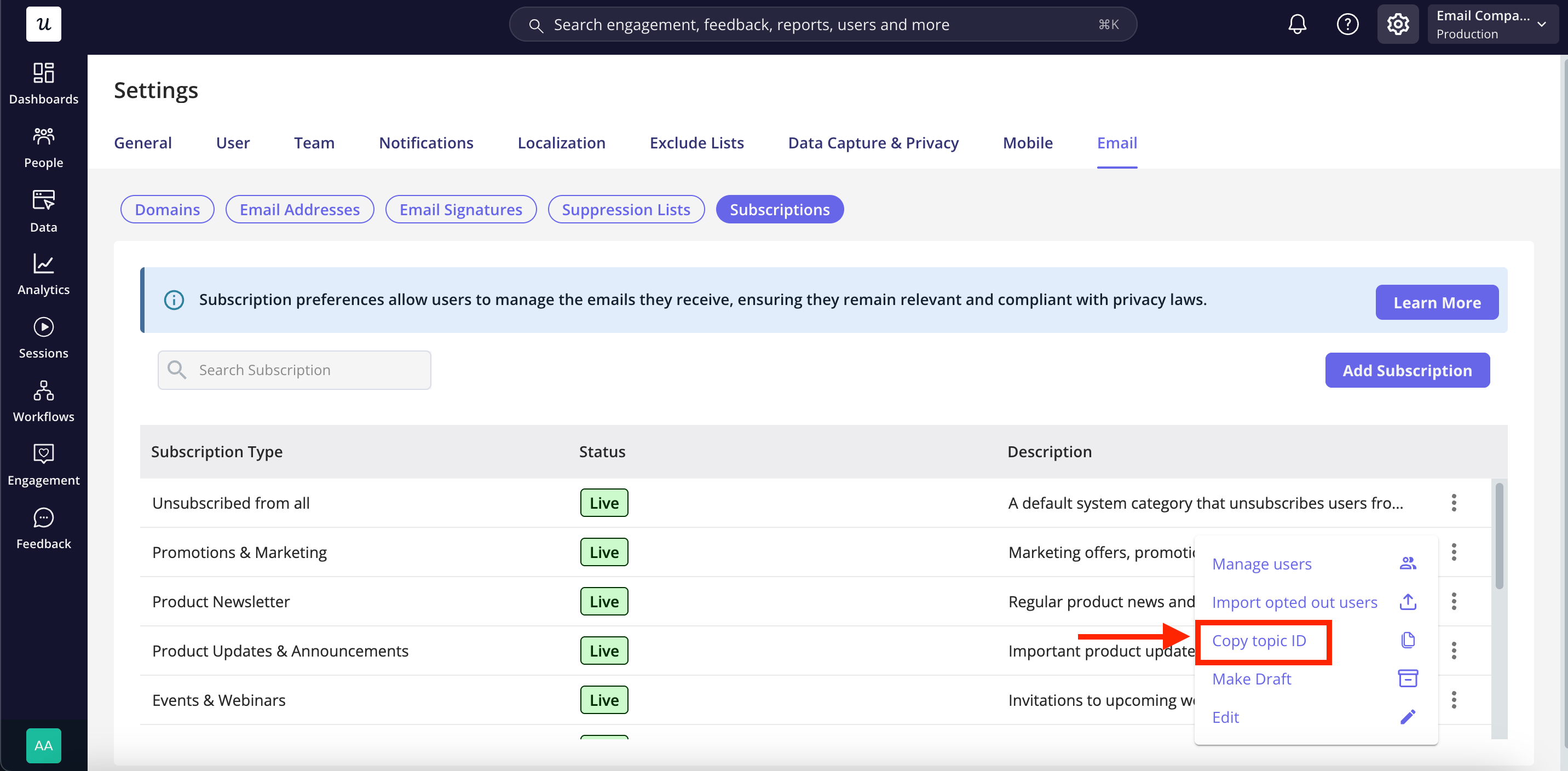
topic_idvalues you want to write to, from List Subscription Topics
Endpoint
The endpoint URL uses the
analytex environment. For EU data residency, use
analytex-eu instead. See Environment
Settings for your specific endpoint.Headers
These endpoints have no versioned behavior, so
X-API-Version is accepted and ignored. Send it if you already send it everywhere else.
Every response carries x-ratelimit-limit, x-ratelimit-remaining, and x-ratelimit-reset, so you can pace a large sync off the headers rather than guessing.
Request Body
Each record takes:
Specify
topic_ids, set all: true, or include both. Each record must contain at least one of these options; records with neither will be rejected.Example
Example cURL Command
Response
unsubscribed counts changes, not records. Sending five addresses where three were already unsubscribed comes back as 2, so you can tell what actually changed and avoid double counting in your own system.
Rules worth knowing
Unsubscribing only adds. A record withstatus: unsubscribed is merged with whatever that address had already opted out of. It never clears an existing opt-out, so replaying a request or resending a full list is safe.
all is a master switch. Re-subscribing someone to one subscription type doesn’t lift a global opt-out. To undo it, send all: true with status: subscribed, which lifts the global block and leaves any subscription type opt-outs that address has in place.
Addresses don’t have to be Userpilot users. An address nobody has identified yet is accepted, and the opt-out applies automatically if that person ever signs up.
Duplicates collapse. The same address more than once in a request is merged rather than treated as an error.
One address, one person. If the same address exists on several Userpilot accounts, the change covers all of them.
Changes apply from the next send. An email triggered by an event, or sent from a workflow, checks preferences as it goes out, so a change applies right away. A send to a segment works out its recipients when the send starts, so an opt-out that arrives mid-send applies to the next one.
Rejected records
Whoever unsubscribed decides who can undo it. If someone opted out through the unsubscribe link in an email, or through the one-click button in Gmail or Yahoo, this endpoint cannot re-subscribe them. Those addresses come back inrejected with the rest of the request applied as normal:
Validation
Validation is all or nothing. If any record is malformed, the whole request is rejected with a400 and nothing is written, so you never have to work out how much of a batch took effect:
details names the offending index. Rejected records are the one exception to all-or-nothing: refusing an entire import over one address that someone opted out of themselves would leave you with no way to proceed.
Common Issues
Related
- List Subscription Topics - Find the IDs to write to
- Manage unsubscribes - Import and manage the same lists from the dashboard
- Webhooks - Receive an event when someone unsubscribes in Userpilot