

Overview
Creating, managing, and previewing content can be done directly with the Userpilot Chrome Extension on your web app for Flows, Spotlights, Banners, and Events Labeling. After installing the extension on your browser, simply open your web app and run the extension to start your content building.Use Cases
- Create content based on your web application and preview it directly there
- Check how the user journey looks like in your end user’s shoes
- Make adjustments and preferences that suit your use case based on how your web app is built
Desktop and Mobile Preview
After building the content, there is an option to preview/test it. For flows, we provide a full-flow preview and a certain steps preview as well. Each step can be clicked on to adjust the related settings, add steps into groups, make page changes within the same flow, perform localization, and logic.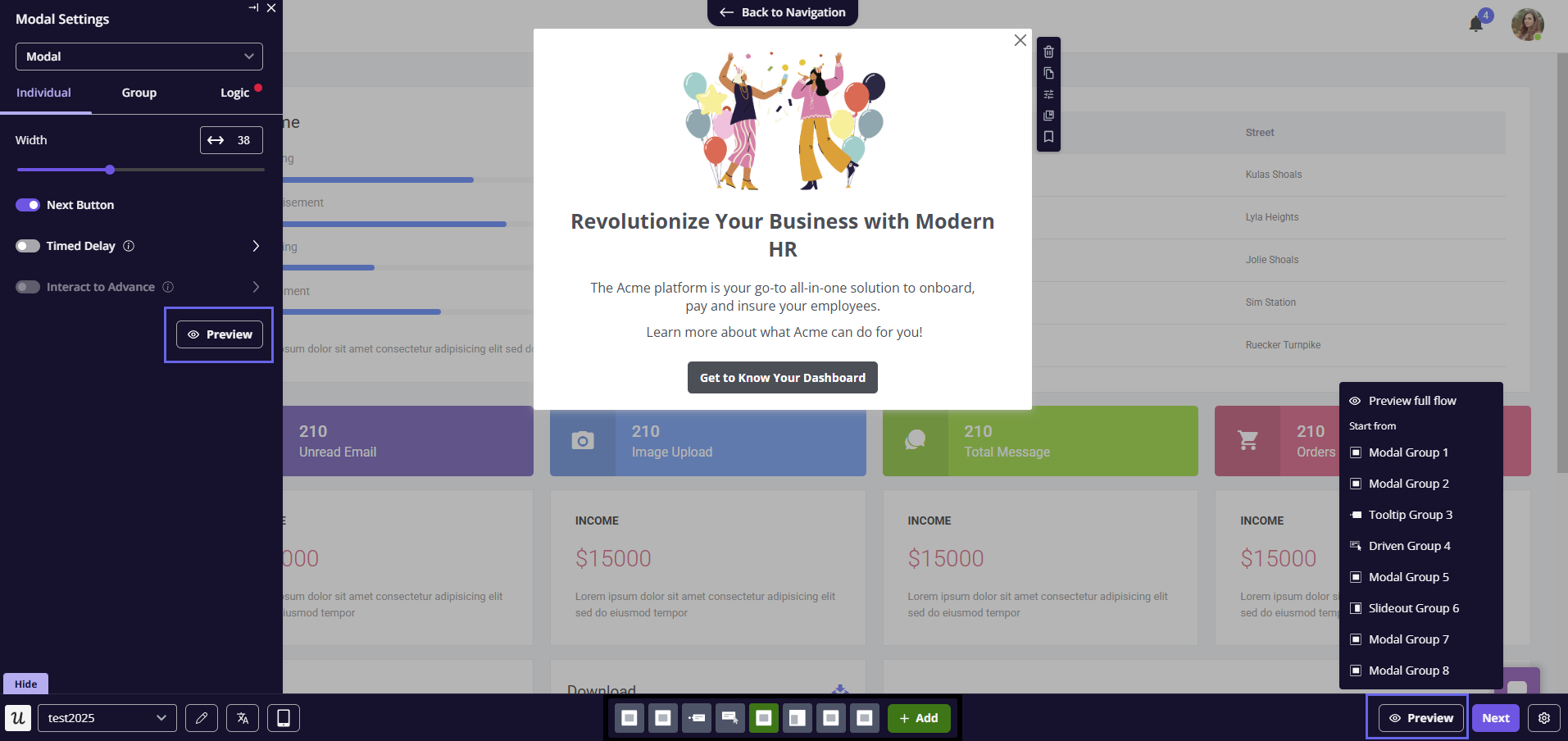
Only the related content can be viewed, and triggering other content cannot be tested in preview under the selected one (f.e, setting a certain button to trigger another flow)
FAQs
How can I set content to show for a certain device type (Desktop or Mobile)?
How can I set content to show for a certain device type (Desktop or Mobile)?
This can be done by setting the Device Type under the Audience settings.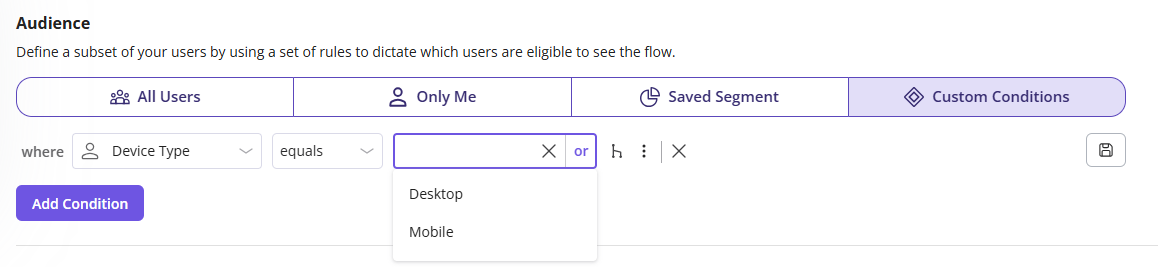
Is Mobile preview supported for all content types?
Is Mobile preview supported for all content types?
Currently it’s only supported for Flows, with the potential of adding it for other content types if needed.