

Product Health Score is available on Growth and Enterprise plans. To access this feature, upgrade to one of these plans.
Overview
Product Health Score is a built-in, configurable scoring model. You choose which metrics count, how much each one weighs, and where the boundaries between health statuses sit. Userpilot then calculates a score for each user or company and keeps it up to date. You can find it under Data → Product Health Score in the main navigation. Each score is built from up to three metrics:| Metric | What it measures |
|---|---|
| Stickiness | How often users return to your product, measured as a DAU/WAU or WAU/MAU ratio |
| Feature engagement | Whether users or companies use the core features you select, as often as you expect |
| NPS | Customer sentiment, based on NPS submissions |
Use cases
- Detect declining engagement and churn risk before renewal conversations
- Prioritize which accounts your Customer Success team contacts first
- Find healthy accounts that are ready for expansion or advocacy programs
- Target in-app content, such as flows, checklists, surveys, or emails to at-risk users or companies
- Give Customer Success, Product, Sales, and leadership one shared view of portfolio health
- Send health data to HubSpot, Salesforce, or any tool that accepts webhooks
Calculation level
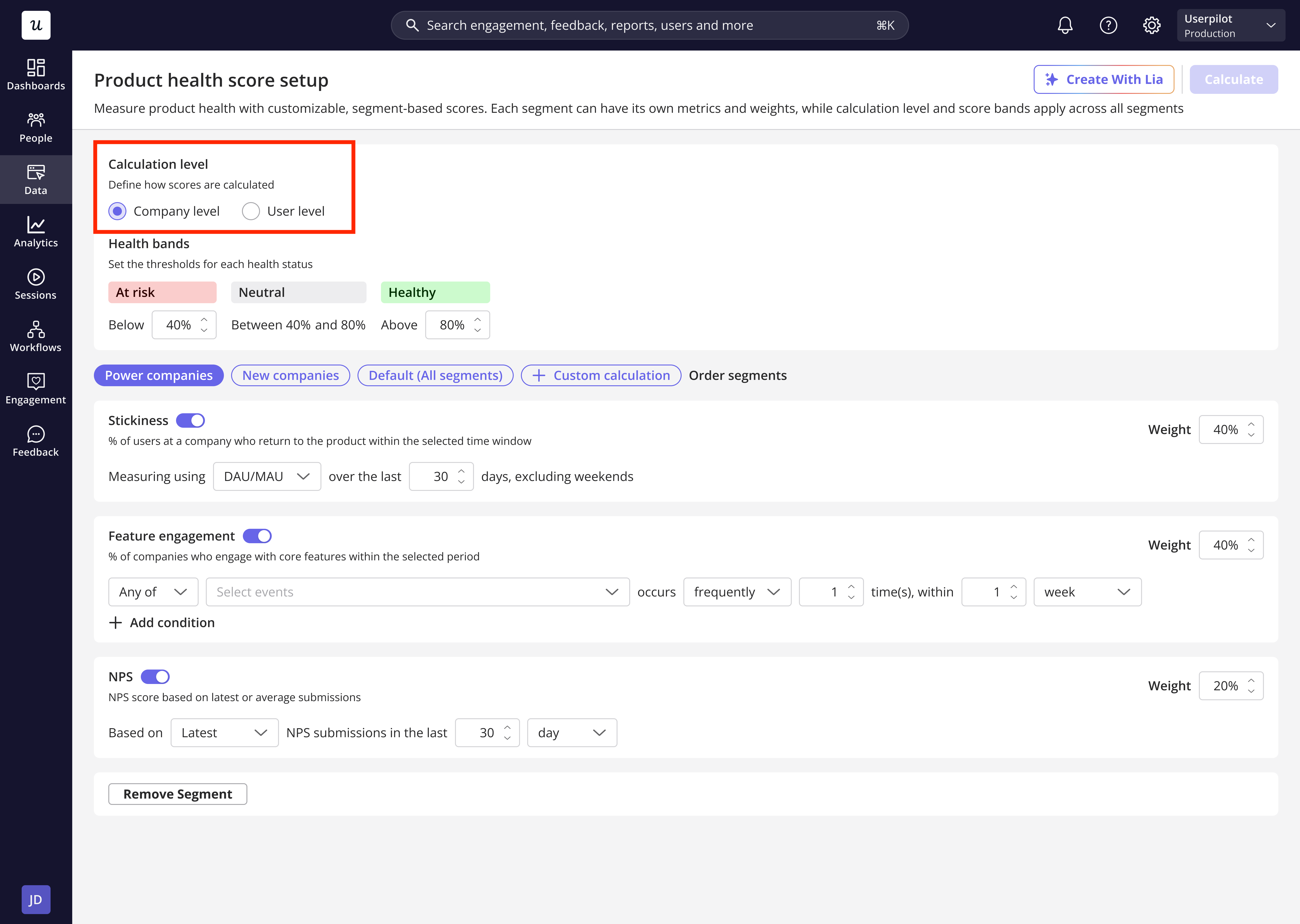
You calculate the score either at the company level or the user level. This is a single global setting for your application: every segment and every calculation uses the same level.- Company level: each company gets a score. Only users who belong to a company are included
- User level: each user gets a score
Health bands
Health bands turn a score into a status. The defaults are:| Status | Default range |
|---|---|
| At risk | Below 40 |
| Neutral | Between 40 and 80 |
| Healthy | Above 80 |
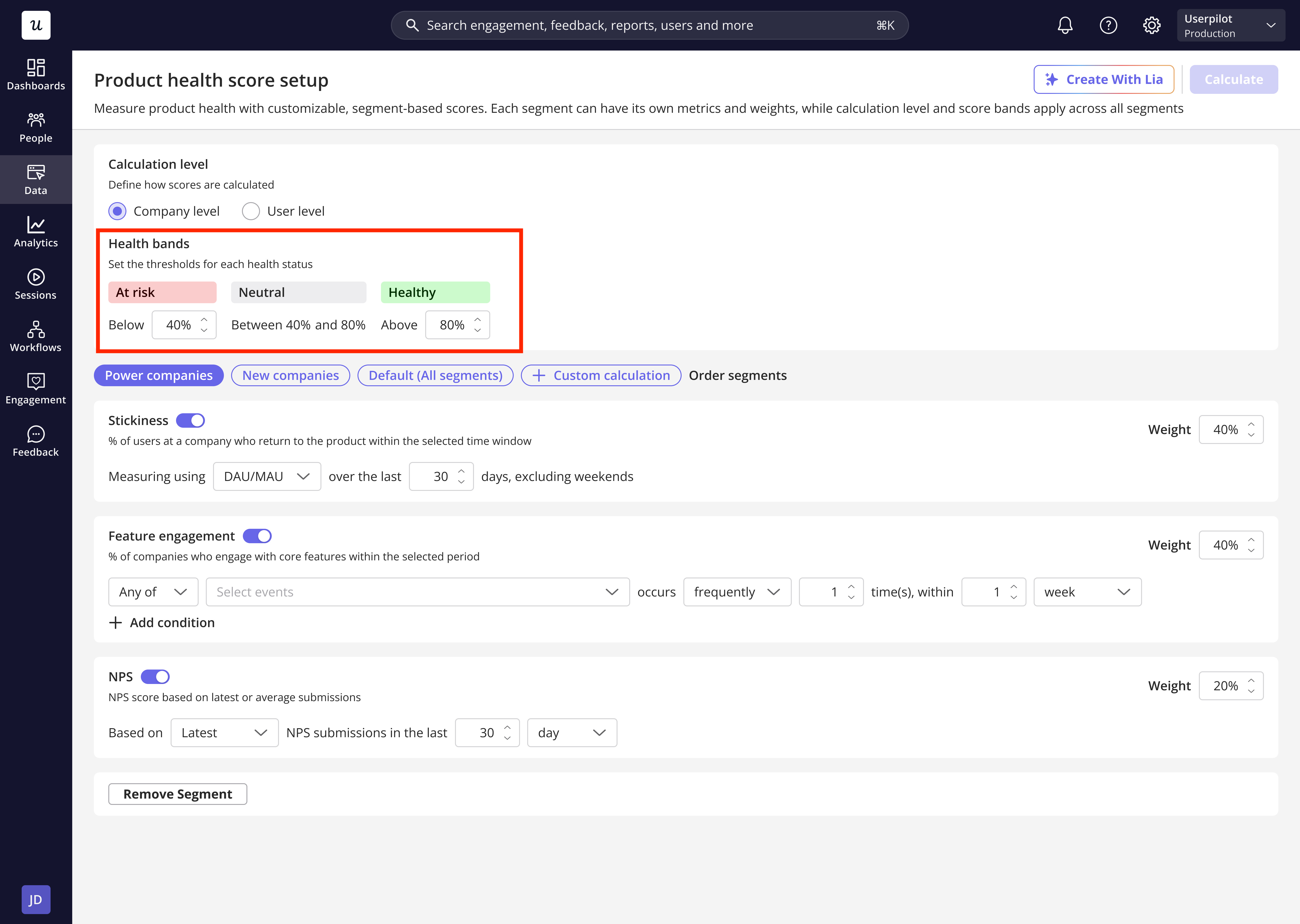
You can change the At risk and Healthy thresholds. The Neutral band is calculated automatically from the values in between. Health bands are global and apply to all segments.
Segment-based scoring
You can define one default configuration that applies to everyone, and up to five additional configurations for specific user or company segments. Each segment can use its own metrics and weights, so you can, for example, measure new customers on feature engagement and enterprise customers on stickiness and NPS.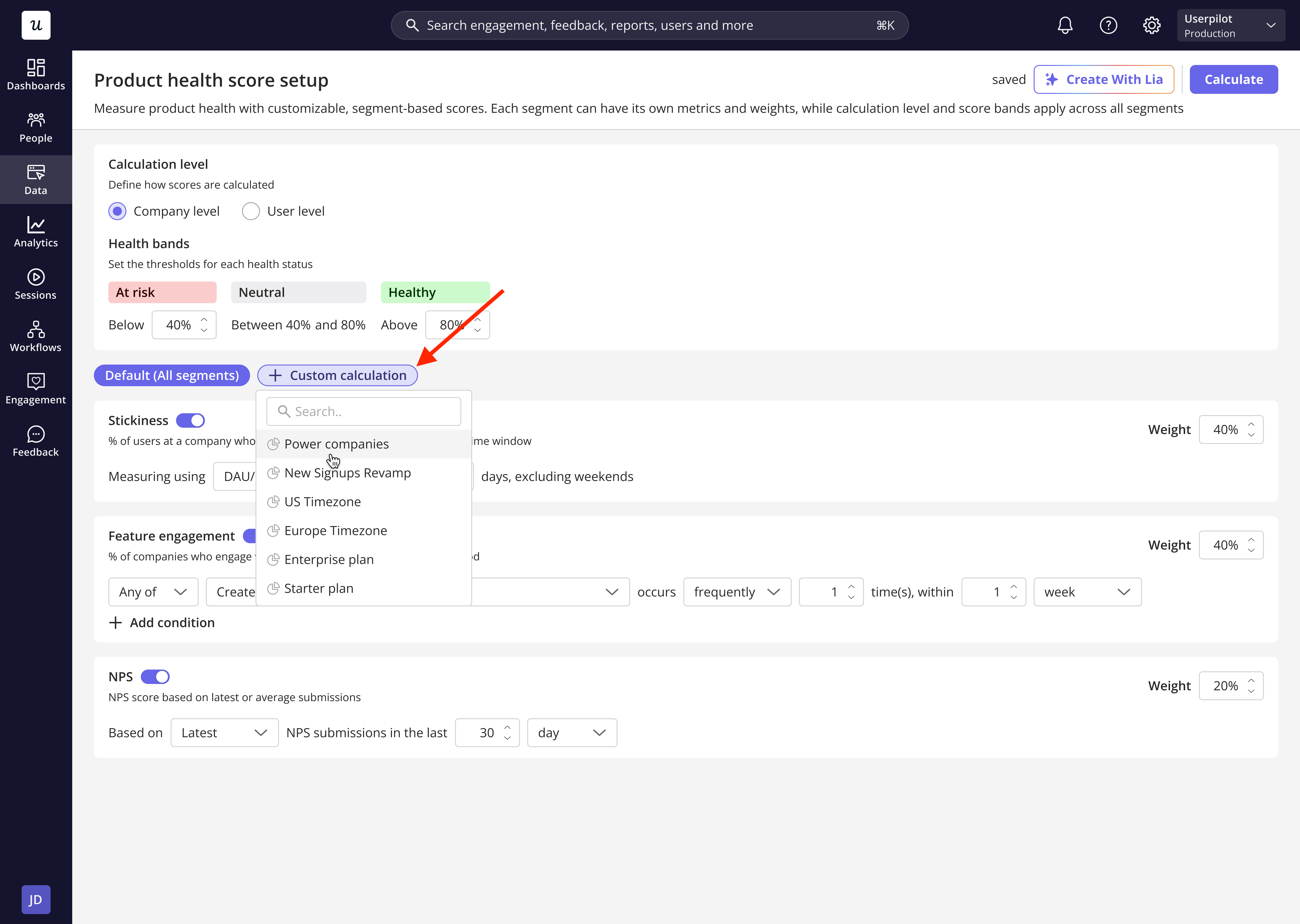
When a user or company belongs to several segments, Userpilot applies the configuration of the highest segment in your priority order. Each user or company is scored by exactly one configuration.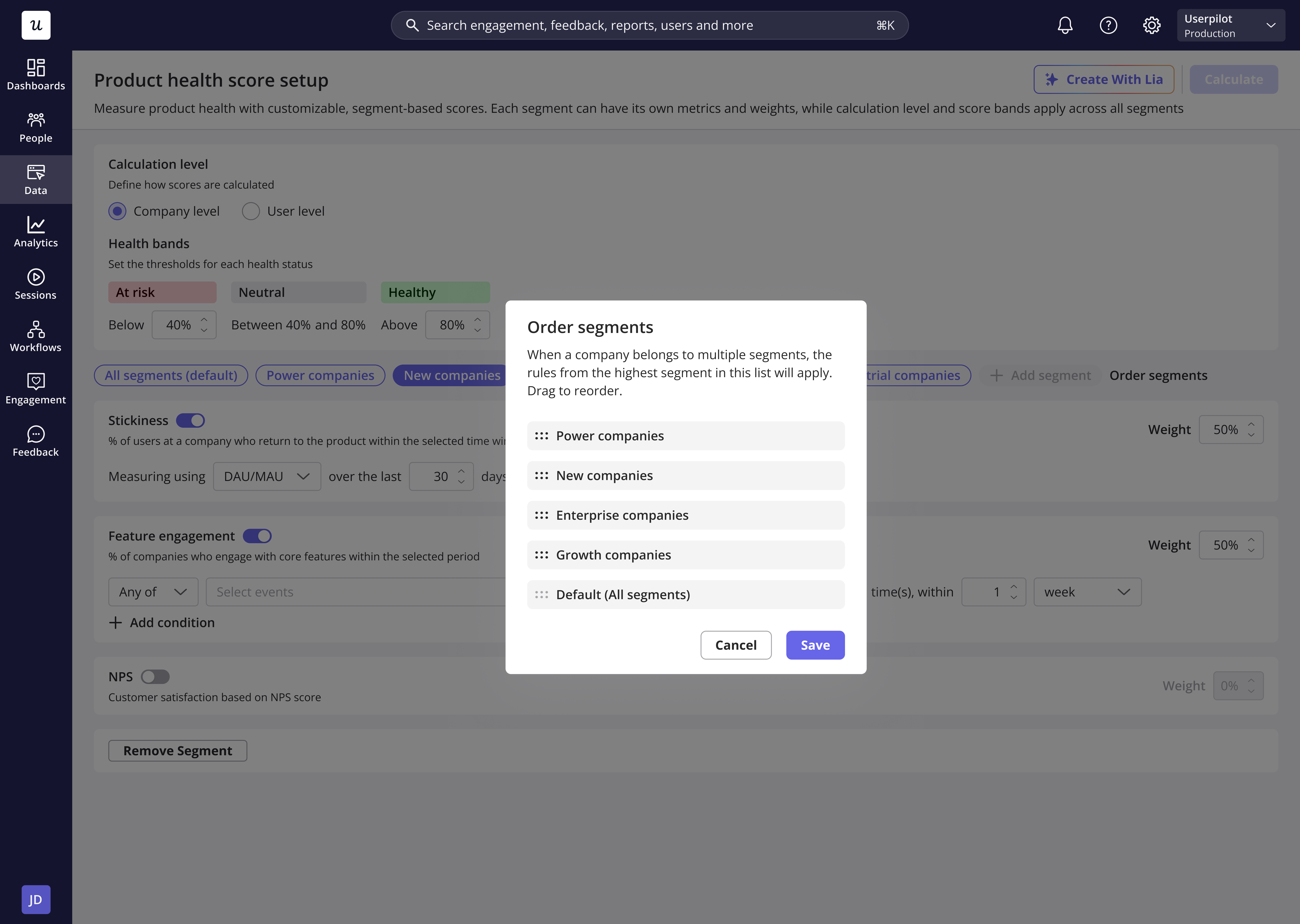
Where Product Health Score appears
Once the score is calculated, it’s available across Userpilot:- Product Health Score dashboard: overall score, distribution, trend, breakdown by segment, and a table of every scored user or company
- User and company profiles: score, status, and trend
- Properties: two default properties, Product Health Score and Health Status, that you can use in segments, content targeting, and reports
- Signals and digest emails: notifications when scores change, and a weekly summary
- Integrations: HubSpot, Salesforce, and webhooks
- Admin Console: the score of each application in your account
Permissions
| Role | Access |
|---|---|
| Account Owner | Full access |
| Admin | Full access |
| Publisher | Create and update the setup. Can’t export or share |
| Analytics | View only |
- Create and update Product Health Score
- Export/share Product Health Score
Next steps
Set up Product Health Score
Choose a calculation level, health bands, metrics, and weights.
How scores are calculated
Formulas, default weights, and worked examples.
Product Health Score dashboard
Read and drill into your results.
Use the score across Userpilot
Segments, signals, reports, and integrations.
FAQs
Can I create more than one Product Health Score?
Can I create more than one Product Health Score?
No. Each application has one Product Health Score setup. Within it, you can add up to five segment-specific configurations in addition to the default configuration.
Can I calculate scores for users and companies at the same time?
Can I calculate scores for users and companies at the same time?
No. The calculation level is a global setting, so scores are calculated either for users or for companies.
Can I change the thresholds inside each metric?
Can I change the thresholds inside each metric?
Not at the moment. You can turn metrics on or off, set their weights, and configure their inputs, such as the stickiness ratio and time window.